

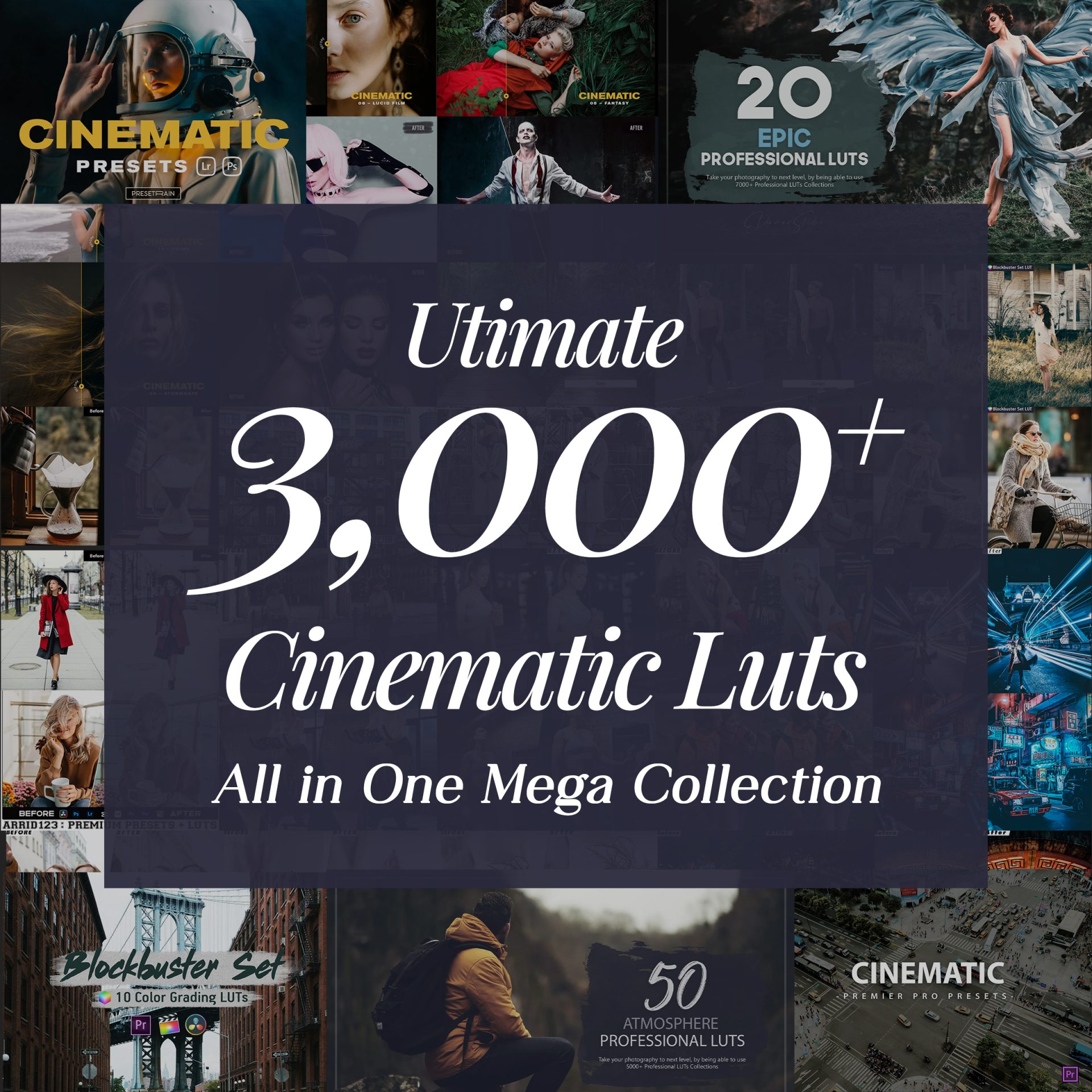
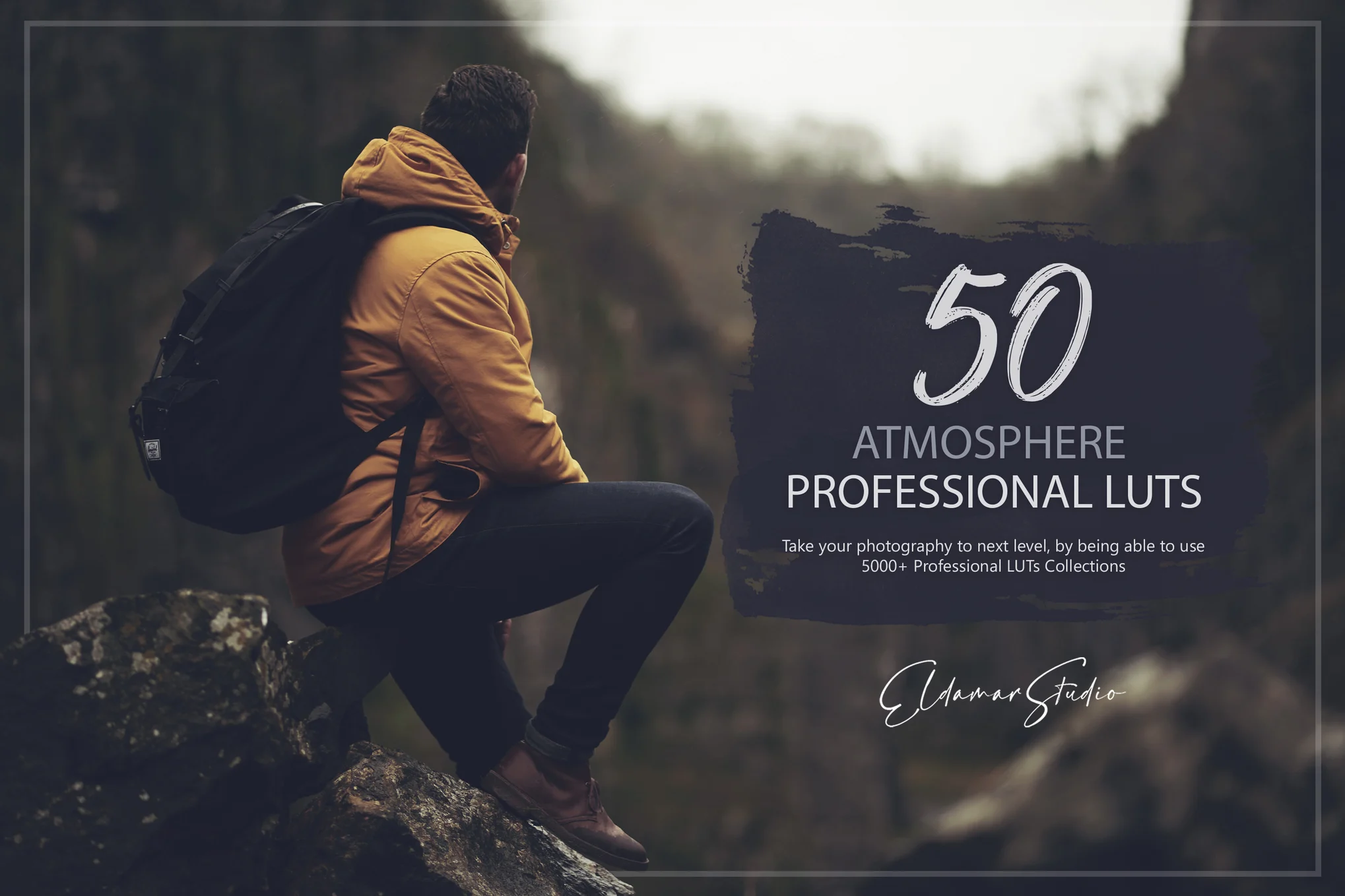
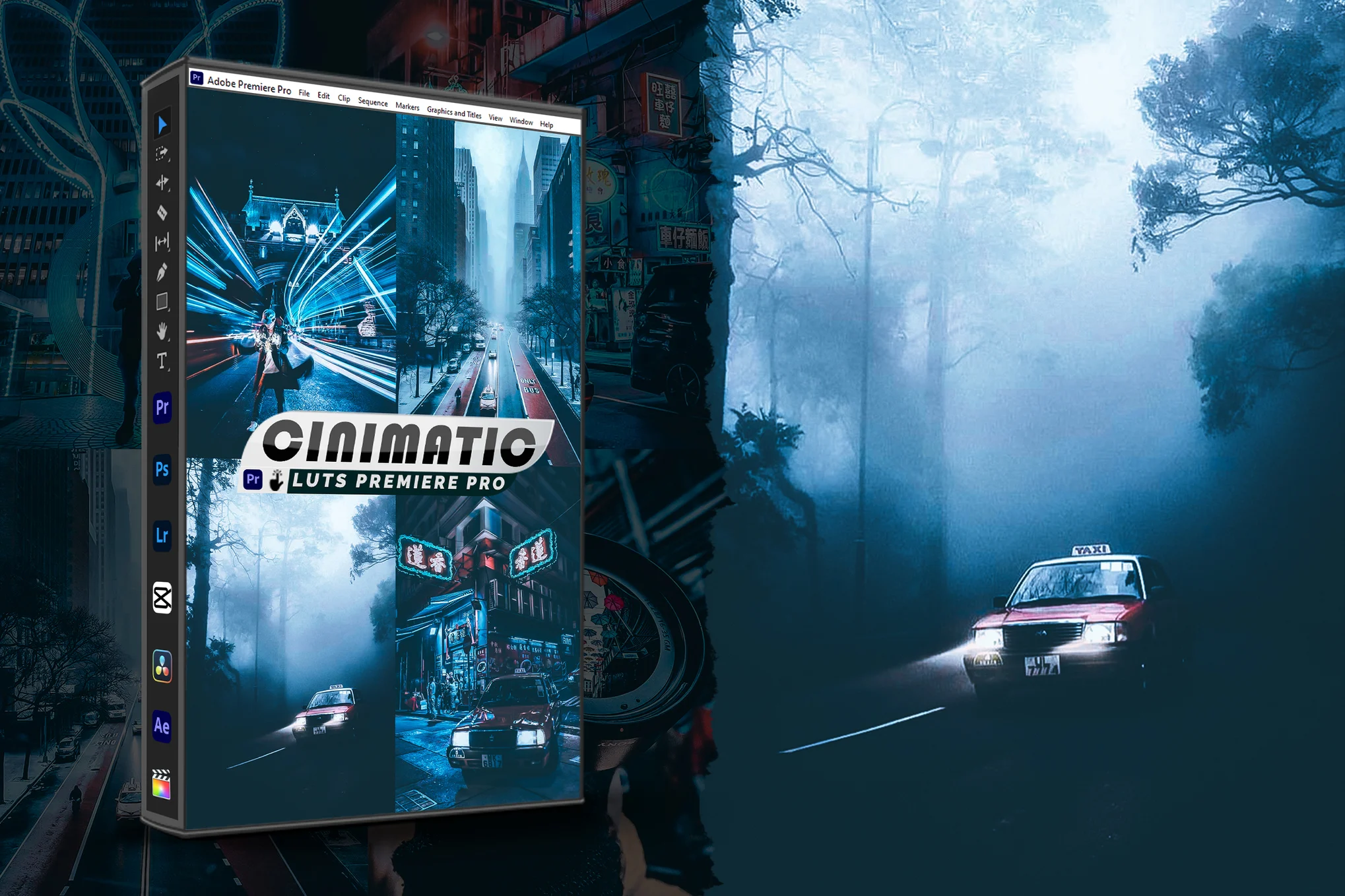
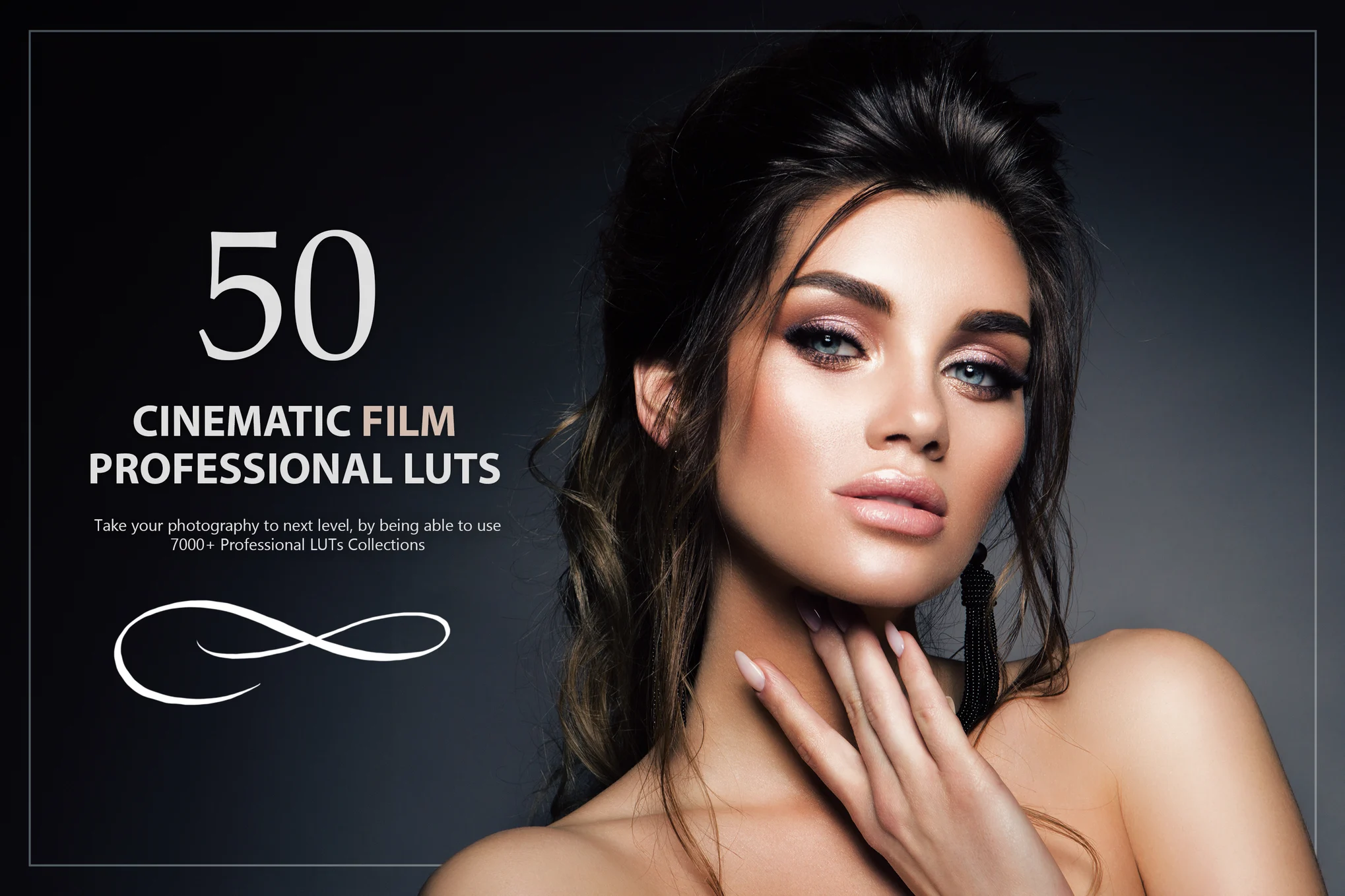

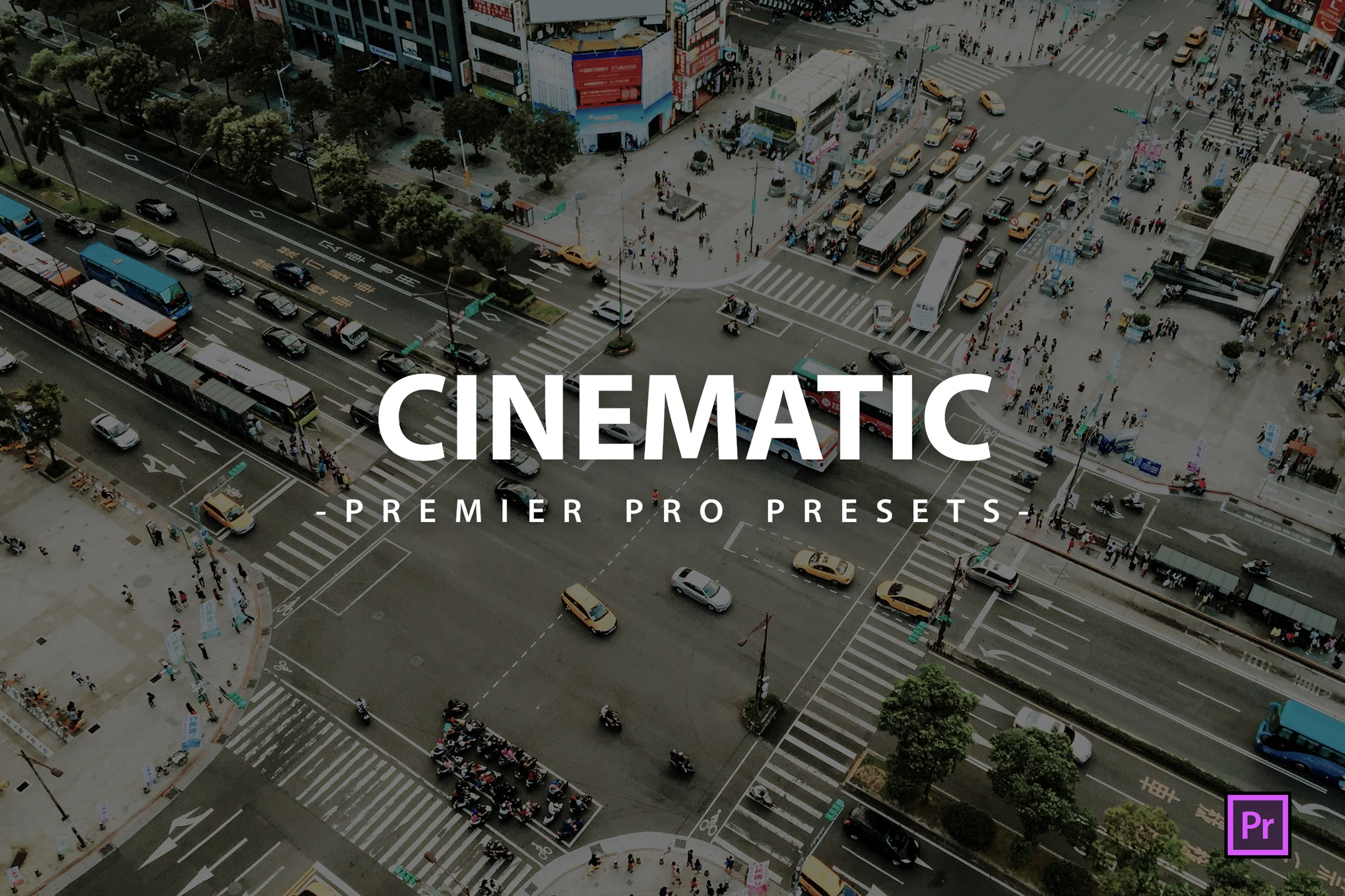
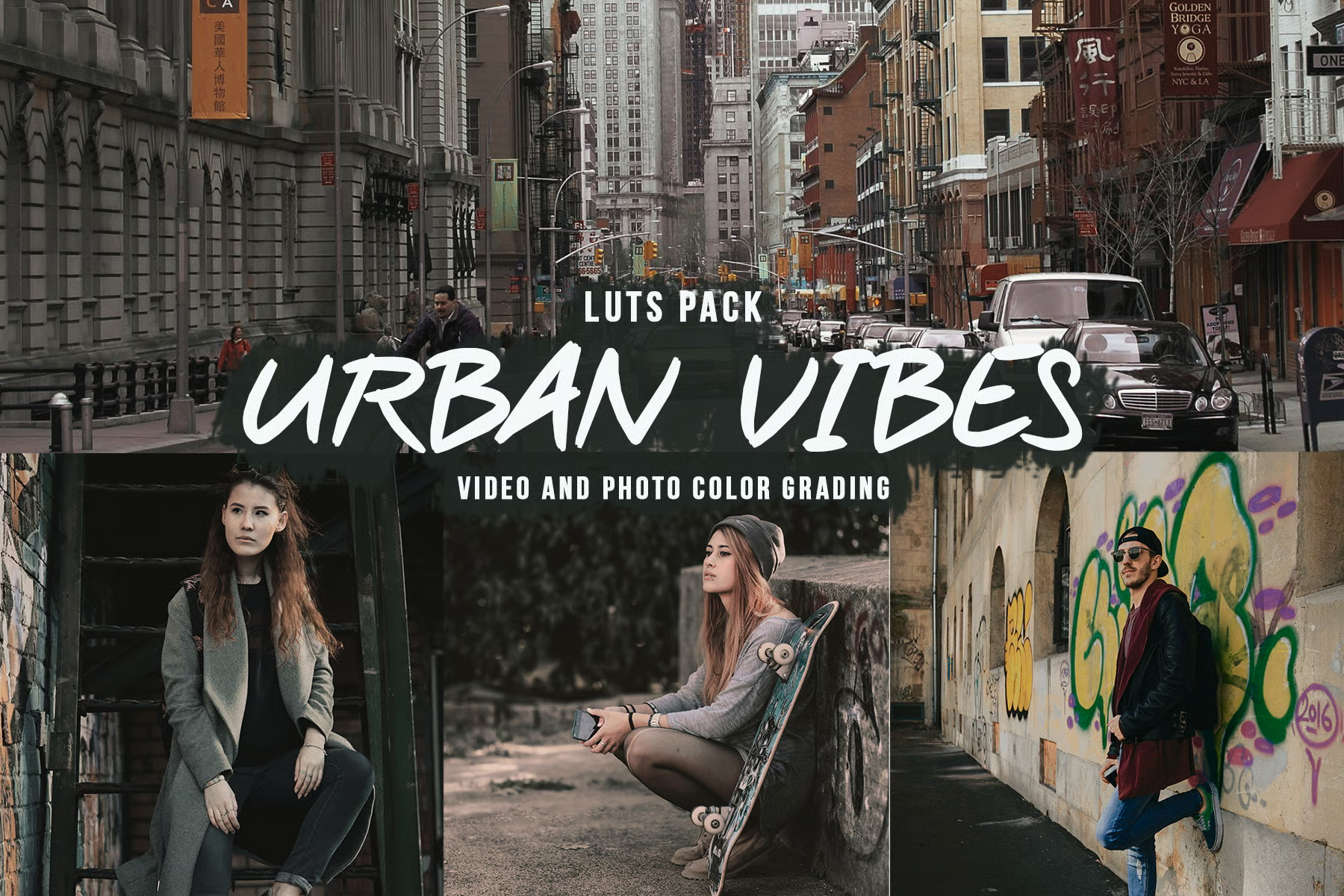

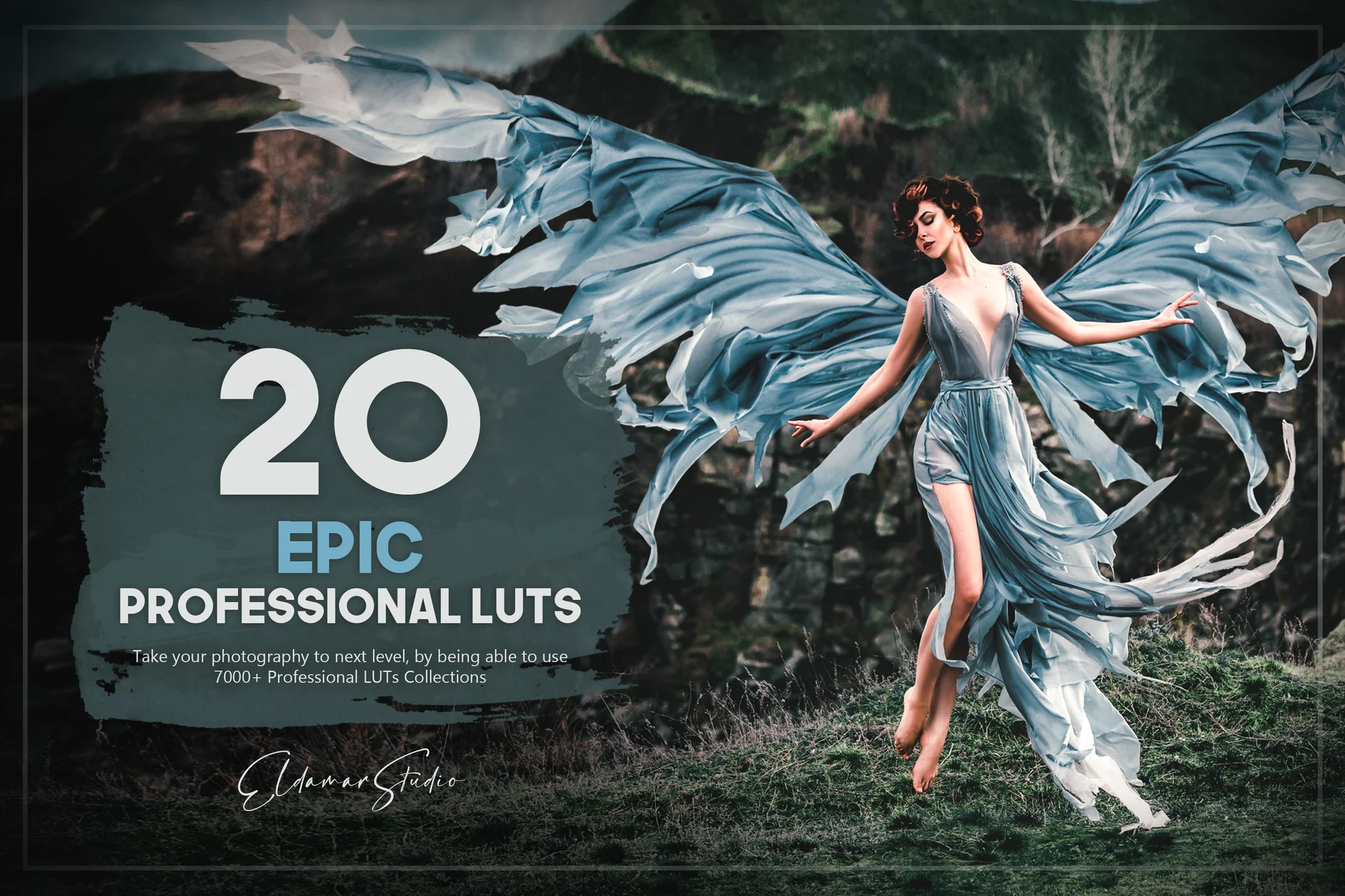
Give your photos and videos a professional visual look with the LUTs Mega Bundle, a versatile collection designed for creators, photographers, filmmakers, and video editors. With a wide range of color styles, this LUTs Pack makes it easier to experiment with different tones, moods, and cinematic finishes.
Whether you’re working on YouTube videos, short films, social media content, travel footage, client projects, or photography, these presets can help simplify your creative workflow and give your projects a more consistent appearance.
What’s Included?
The LUTs Mega Bundle provides a diverse selection of presets for different creative workflows and visual styles. Depending on your project, you can explore:
- Cinematic color styles
- Film-inspired color treatments
- Creative color adjustments
- Professional video looks
- Moody and dramatic tones
- Warm and cool color styles
- Photography color effects
- Presets for compatible editing workflows
Why Use a LUTs Pack?
Color grading every clip manually can be time-consuming. A quality LUTs Pack gives you ready-made color styles that can be used as a starting point for your edits.
With the right Color LUTs, you can quickly test different looks, maintain visual consistency, and spend more time focusing on your creative work.
Key Benefits
- Speed up your color grading workflow
- Explore a wide range of creative color styles
- Create consistent looks across multiple clips
- Develop cinematic and film-inspired visuals
- Reduce repetitive manual color adjustments
- Customize presets to suit your footage
- Useful for both beginners and experienced editors
- Suitable for a variety of creative projects
Professional Color Grading Made Easier
Effective Color Grading can completely change how your footage looks and feels. With the right Video LUTs, you can create richer tones, balanced colors, dramatic moods, and polished visual styles without starting every project from scratch.
LUTs are best used as a foundation. After applying a preset, you can adjust exposure, contrast, saturation, highlights, shadows, and other settings to match your footage.
Explore Cinematic and Film Looks
Cinematic LUTs are ideal for creators who want to give their videos a polished, movie-inspired appearance. They can help establish a specific mood and create a more consistent visual identity across your content.
For a more traditional film-inspired appearance, Film LUTs can provide tones and color treatments inspired by the aesthetics of film photography and filmmaking.
Compatible Creative Workflows
The LUTs included in the bundle can be useful across different editing environments, depending on the included file formats and software compatibility.
Premiere Pro LUTs
Use compatible Premiere Pro LUTs within Adobe Premiere Pro to experiment with different color styles and speed up your video editing workflow.
DaVinci Resolve LUTs
DaVinci Resolve LUTs can be used within compatible DaVinci Resolve workflows to explore creative color treatments and establish a starting point for professional color grading.
Lightroom LUTs
Compatible Lightroom LUTs can be useful for photographers and creators working with supported Lightroom workflows, helping them experiment with different color styles for their images.
Who Is This LUTs Bundle For?
The LUTs Mega Bundle is suitable for a wide range of creators, including:
- Video editors
- Filmmakers
- YouTubers
- Social media creators
- Photographers
- Freelance editors
- Content creators
- Digital artists
- Marketing professionals
Whether you’re creating short-form social content or working on longer video projects, having a collection of ready-to-use LUTs can give you more creative flexibility.
How to Use LUTs
Using LUTs is simple and can become a useful part of your regular editing workflow.
Step 1: Import Your Footage
Open your project in your preferred editing software and import your photos or video footage.
Step 2: Make Basic Corrections
Before applying a creative LUT, correct important elements such as exposure, white balance, and contrast when necessary.
Step 3: Apply a LUT
Choose a Color LUT that matches the mood or style you want to create and apply it to your footage.
Step 4: Adjust the Intensity
Avoid relying on the preset alone. Adjust the LUT intensity or opacity where supported to achieve a more natural result.
Step 5: Fine-Tune Your Colors
Make additional adjustments to saturation, contrast, highlights, shadows, and individual colors until you achieve the desired appearance.
Create a Consistent Visual Style
Consistency can make a major difference when producing multiple videos or building a recognizable content style. Using the right LUTs can help maintain similar color characteristics across different clips and projects.
Instead of treating LUTs as a one-click solution, use them as a creative starting point. Combining presets with manual adjustments allows you to develop a look that fits your footage and personal style.
Frequently Asked Questions
What are LUTs?
LUTs, or Look-Up Tables, are predefined color adjustments used to change the appearance of photos or videos. They can help create specific color styles and simplify the color grading process.
What is included in the LUTs Mega Bundle?
The bundle includes a collection of color presets designed for different creative styles and editing workflows. The exact formats and number of files depend on the product package.
Are these LUTs suitable for beginners?
Yes. Beginners can use LUTs as an easy starting point for exploring color grading, while experienced editors can customize the presets to achieve more specific results.
Can I use these LUTs for video editing?
Yes. Compatible Video LUTs can be used in supported video editing and color grading software to create different visual styles.
Are Premiere Pro LUTs included?
The bundle is designed to support compatible Premiere Pro LUTs workflows. Please review the product’s included file formats and compatibility information before use.
Transform Your Creative Workflow
The LUTs Mega Bundle – Professional Color Grading Pack gives creators a convenient way to explore different color styles and improve their editing workflow. From Cinematic LUTs and Film LUTs to compatible Premiere Pro LUTs, DaVinci Resolve LUTs, and Lightroom LUTs, the collection can provide a flexible starting point for a variety of creative projects.
Add the LUTs Mega Bundle to your editing toolkit and spend less time creating repetitive color adjustments while exploring more creative possibilities for your photos and videos.

Reviews
There are no reviews yet.